What Is Pull Print Software and How Does It Work?
In today’s workplaces, print security and efficiency are more important than ever. Pull print software—also known as secure print release or follow-the-user printing—offers a powerful way to protect sensitive documents, reduce waste, and increase flexibility for users.
What Is Pull Print Software?
Pull print software securely holds print jobs on a central server or network until the authorized user arrives at a printer or multifunction device (MFP) and authenticates themselves. Only then is the document released for printing.
This approach prevents confidential documents from sitting unattended in output trays, cuts down on wasted paper, and allows users to print from any enabled device in the organization.
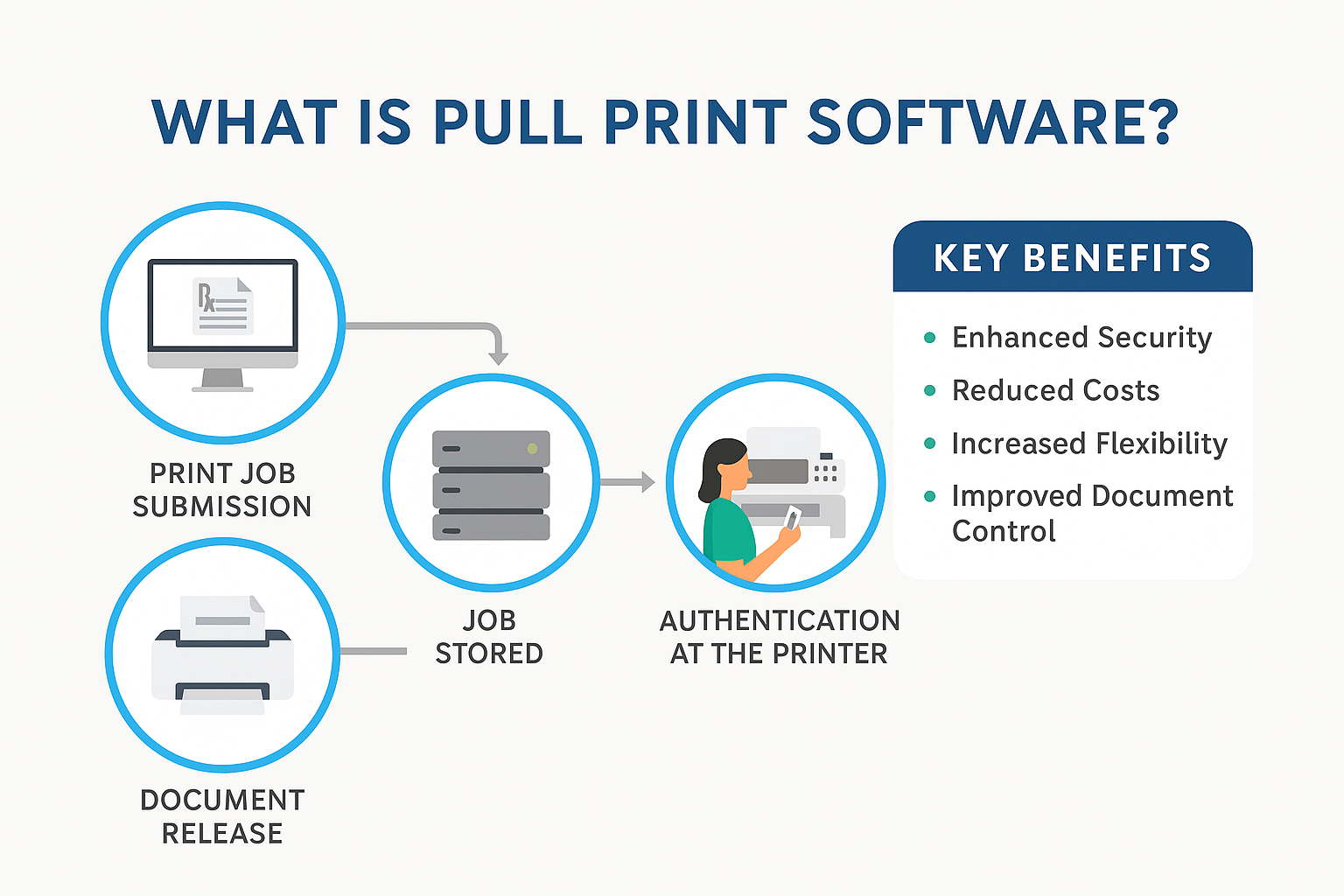
How Pull Printing Works
-
Print Job Submission
The user sends a document to print from their computer or mobile device—just like any standard print job. -
Job Stored
Instead of being printed immediately, the job is stored securely on a central print server or, in some cases, on the printer itself. -
Authentication at the Printer
The user walks to any network-enabled printer or MFP and authenticates their identity. -
Document Release
Once authenticated, the printer releases and prints the document.
Key Benefits of Pull Printing
-
Enhanced Security
Reduces the risk of sensitive documents being accessed by unauthorized individuals by ensuring they’re only released when the user is present. -
Reduced Costs
Eliminates waste from unclaimed print jobs, saving paper, toner, and other consumables. -
Increased Flexibility
Users can release their print jobs at any compatible device, not just the one they originally selected. -
Improved Document Control
Pull print systems can integrate with document management tools or sector-specific systems (e.g., EHR in healthcare) to enhance workflow control and compliance.
Authentication Methods
Pull print software supports multiple authentication options, including:
-
Proximity Card or Badge Swipe – Common in corporate offices and institutions.
-
PIN Code – Users enter a personal identification number at the device.
-
Smartphone App – Using NFC, QR codes, or other mobile authentication methods.
-
User Credentials – Standard login with username/password or digital ID.
The Bottom Line
Pull print software is more than a convenience—it’s a strategic tool for security, cost control, and flexibility in modern print environments. Whether your organization handles sensitive client data, healthcare records, or financial information, secure print release ensures that documents end up only in the right hands.
📩 Want to learn more about secure printing solutions?
Contact Plus Technologies today to see how pull printing can enhance your organization’s document security and efficiency.
🌐 Visit us at www.plustechnologies.com
📞 Call us Toll-Free: 877-899-7587 | Outside the U.S.: 937-847-0614